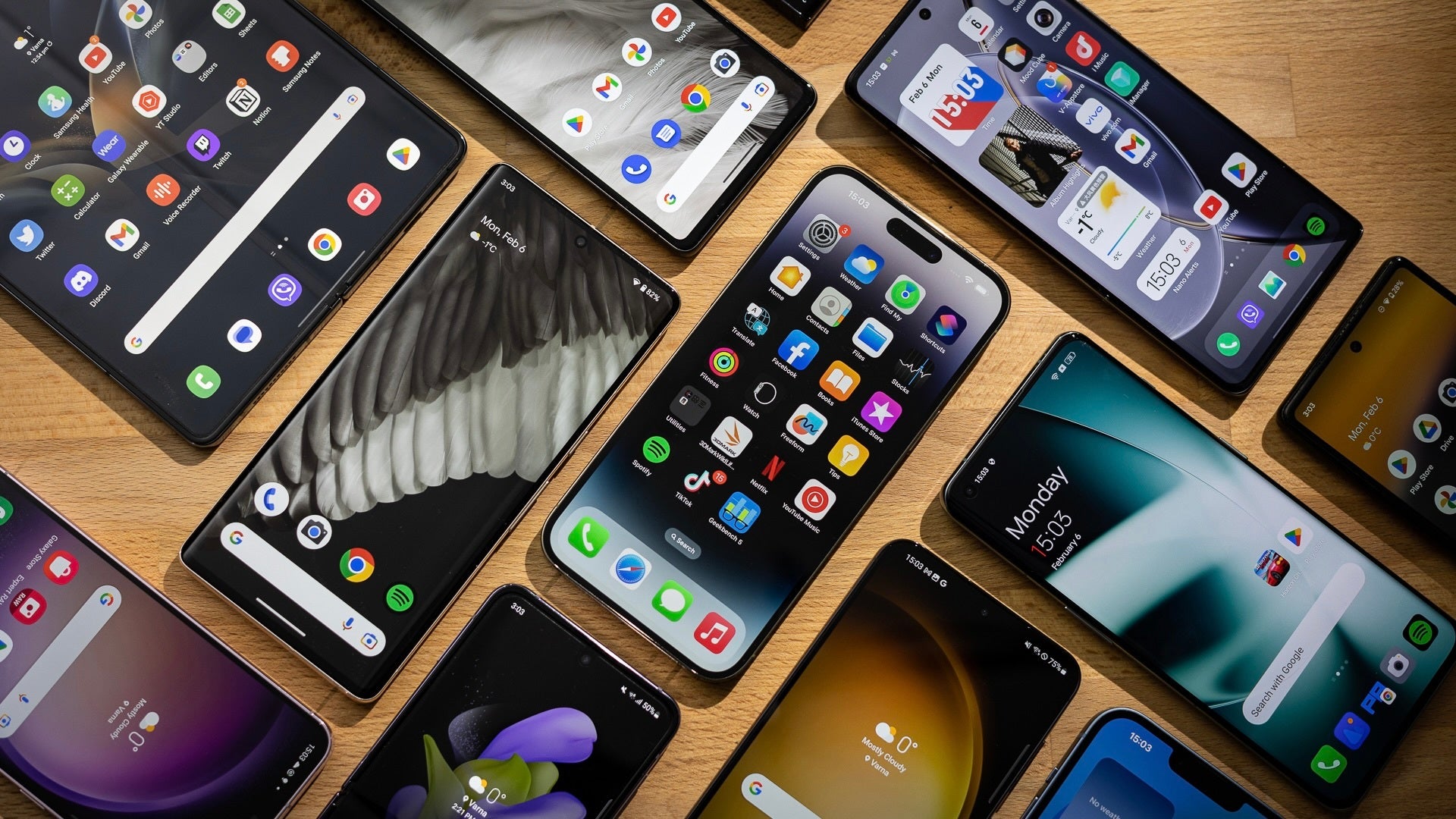
Keeping your accounts safe from hackers does not require a tech degree or expensive software. Most account takeovers happen because of simple mistakes like reused passwords or missed security settings. You can lock down your digital life in less than twenty minutes using tools already built into your phone and computer.
The fastest way to protect yourself is to turn on two-step verification on your primary email account today. Your email is the master key to your whole life because it holds the reset links for everything else. Once your email is secure, you can update your other login details one by one.
Use Unique Passwords Without Losing Your Mind
Reusing the same password across multiple sites is the biggest mistake you can make. If a small shopping website suffers a data breach, thieves will try that same login on bank sites, social media, and streaming apps. A strong password should be long and impossible for someone else to guess.
You do not need to memorize dozens of random letters and numbers. Built-in tools can do the hard work for you. On an iPhone, Apple Keychain generates and saves complex logins automatically. On Android or desktop Chrome, Google Password Manager does the exact same thing. Both options fill in your details with a fingerprint or face scan when you sign in.
If you prefer one system for all your devices, a dedicated app works great. Programs like Bitwarden hold your logins inside an encrypted vault. Using a password manager means you only have to remember one single master key. Check out our main page for more daily advice on tech tips and digital tools to keep your devices running smoothly.
Turn On Two-Factor Authentication Everywhere
Two-factor authentication adds a secondary check when you sign in from a new device. Even if someone guesses your secret phrase, they still cannot get in without your physical phone. It stops almost all automated attacks instantly.
Setting this up takes just a few steps on most platforms. Here is how to turn it on for your Google account:
- Open your browser and go to your Google Account page.
- Tap Security from the left menu.
- Scroll down to How you sign in to Google and tap 2-Step Verification.
- Select Get Started and follow the prompts to add your phone number or security key.
Avoid using basic text messages for your verification codes if you can. Hackers sometimes trick cell phone companies into swapping your phone number to a new SIM card. Instead, use an free verification app like Google Authenticator or Microsoft Authenticator. These apps create fresh codes right on your device every thirty seconds, even when you have no cellular signal.
How Do You Spot a Phishing Message?
Phishing is when a scammer sends a fake message to trick you into typing your password. These messages look like they come from your bank, the post office, or a popular streaming site. They usually claim your account is locked or that a package could not be delivered.
Look closely at the sender's actual address, not just the display name. A real email from Netflix comes from an address ending in netflix.com, not a random set of numbers and letters. Fake messages also use urgent words like "action required immediately" to make you act without thinking.
Never tap a link inside a suspicious email or text message. If your bank sends an alert, open a new browser tab and type the web address yourself. You can read more on computer security to see how modern networks block these fake pages before they reach your inbox.
Clean Up Apps and Devices You No Longer Use
Old apps on your phone can create hidden entry points for hackers. If a developer abandons an app, they stop sending safety updates. That leaves known security gaps open for attackers to exploit.
Take five minutes to scroll through your home screen today. Delete any game, editor, or shopping app you have not opened in the last three months. On an iPhone, press and hold the icon, tap Remove App, and select Delete App. On Android, press and hold the icon and drag it to Uninstall.
Do not forget about third-party access on your social accounts. Many websites let you log in using your Facebook or Google details. Over time, that list grows very long. Go to your security settings on those platforms and remove any site or app you no longer use.
Keep Your Software Updated Automatically
Operating system updates are not just for new emojis or design tweaks. Most updates contain silent fixes for safety bugs that bad actors are already using. Delaying an update leaves your hardware open to known risks.
Turn on automatic updates so your phone and computer fix themselves while you sleep. Here is where to check your phone settings right now:
- iPhone: Go to Settings > General > Software Update > Automatic Updates and switch everything to On.
- Android: Go to Settings > System > Software update and turn on auto-download over Wi-Fi.
Laptops need the exact same care. Windows Update and macOS System Settings run quietly in the background when allowed. If your computer asks to restart to complete an install, do it that evening instead of clicking postpone for a week.
Check Your Accounts for Known Data Breaches
Sometimes your information leaks through no fault of your own. When a big company suffers a break-in, lists of emails and passwords end up online. You can check if your email has been exposed in a past breach using free lookup tools.
Websites like Have I Been Pwned keep safe records of public data leaks. You type in your email address, and the site tells you if that email appeared in a known breach. If an account shows up, change that password immediately on that specific site.
Many modern browser features now check this automatically. Both Safari and Chrome will pop up a warning if a saved password appears in a fresh online breach. If your phone gives you one of these alerts, take two minutes to update that login right away. Small business owners can also look into AI tools for small businesses to save time and money while automating basic administrative tasks.
Which account will you protect first today? Start with your main email, turn on two-step verification, and you will instantly be safer than most people online.
Comments
Post a Comment